
For parents & educators
Free Learning Games for 2 Year Olds
Look, point and explore together. These simple activities give two-year-olds a place to notice familiar pictures and make a choice with a grown-up.
Explore the games
Little steps, useful practice
What children can practise
- Matching familiar pictures
- Noticing shapes and size
- Naming what we see
- Making marks and choices
Choose something to try
Games to explore
Games open at your child’s current profile Level. Read instructions together, use Listen where offered, and take a break whenever you like.
 Levels 1–2
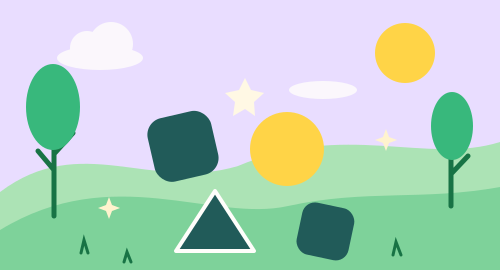
Shape Match
Find a shape that looks just the same.
Play free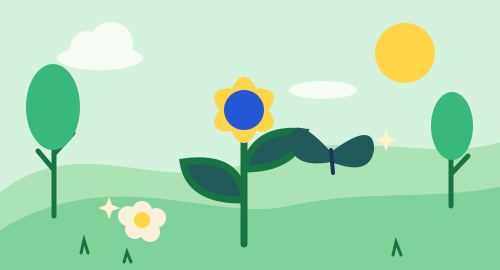 Levels 1–2
Garden Friends
Meet little friends from the garden.
Play free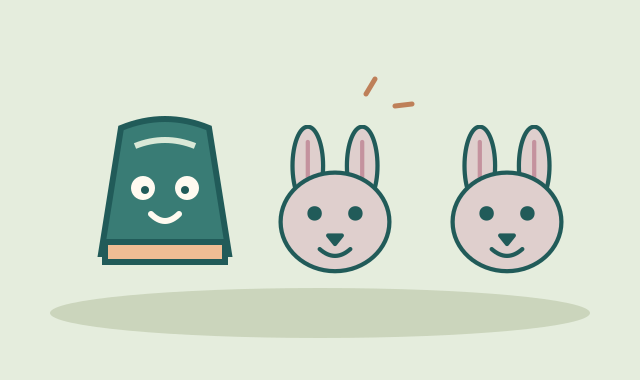 All levels
Momo’s Matching Cups
Remember hiding places and match pairs of animals, shapes, or patterned colours.
Play free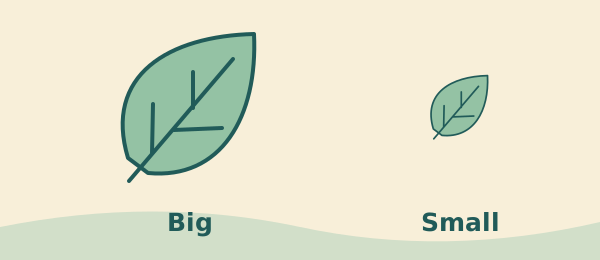 Levels 1–4
Big & Small
Learn what big and small mean, then compare garden pictures.
Play free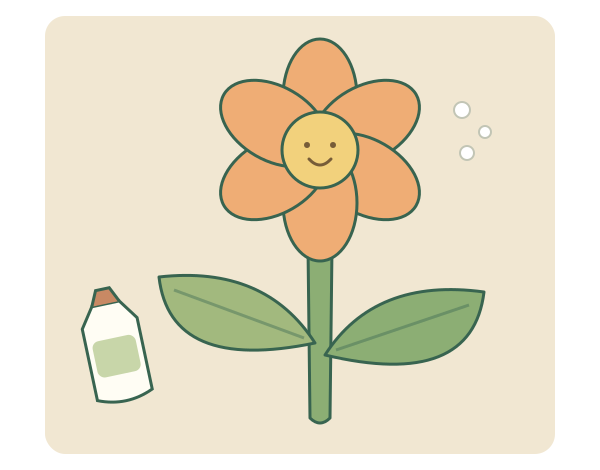 All levels
Glue & Stick
Make a paper flower while comparing glue amounts, planning layers and placing five shapes.
Play free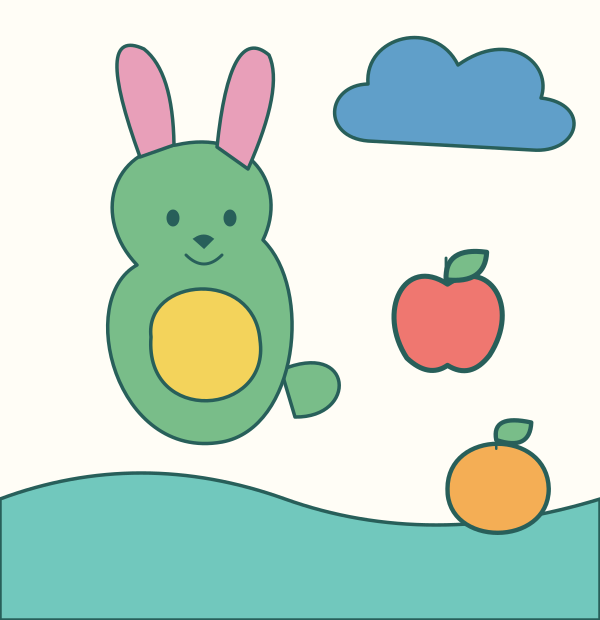 All levels
Momo’s Endless Coloring Roll
Explore color choices and intentionally fill named animal, fruit and garden areas.
Play free
Help your child get started
Keep the choice small
For a 2-year-old, begin by naming a picture and finding its match together. Point to one item at a time and give them time to respond.
Share the controls
A grown-up can read instructions and help with tapping. If moving a piece feels tricky, choose a matching activity or use tap controls where offered.
Try it at home
After Shape Match, find a round plate or a square block nearby. Say the shape name together and let your child point to another example.
Try it in the classroom
Use one device with an adult and a small group. Pair picture matching with real objects so children can touch, name and compare them.
A few useful answers
Should a two-year-old play independently?
These suggestions are for shared play with an adult. Read aloud, help with controls and follow your child’s attention. It is fine to stop or switch to hands-on play at any time.
How do we choose a Level and start playing?
Open a game or Go to Worlds, then choose a Level using the shared profile controls if you have not chosen one yet. Levels 1–2 correspond to the age-two band, 3–4 to ages 3–4, 5–6 to ages 5–6, 7–8 to ages 7–8, and 9–10 to ages 9–10. The first Level in each pair offers a starter collection; the second offers a fuller collection. Age is guidance, and a discovery-page link does not change the profile.
Are the games free, and where is progress saved?
The activities are free to play without creating an online account. Profiles and supported activity progress stay in this browser on this device. They do not sync between devices. Private browsing, blocked storage or clearing browser data can prevent saving or remove local progress.