
For parents & educators
Free Online Learning Games for Kids Ages 2–10
A little counting, a new word, a puzzle worth another try. Find a place to begin, then let your child explore at their own pace.
Explore the games
A place to begin
Find a starting point by age
Age guides suggest a starting point. The shared profile Level controls what opens in a game.
Little steps, useful practice
What children can practise
- Counting and number sense
- Letters, words and sentences
- Patterns and problem-solving
- Science, observation and creativity
Choose something to try
Games to explore
Games open at your child’s current profile Level. Read instructions together, use Listen where offered, and take a break whenever you like.
 All levels
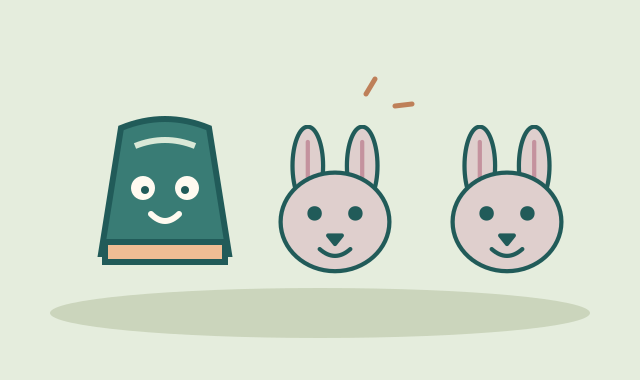
Momo’s Matching Cups
Remember hiding places and match pairs of animals, shapes, or patterned colours.
Play free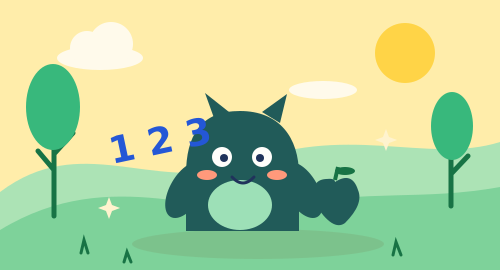 Levels 3–4
Monster Picnic
Count yummy treats with Momo.
Play free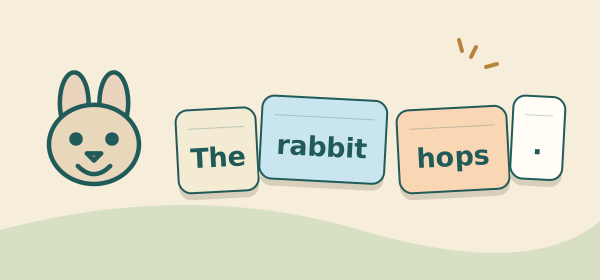 Levels 3–10
Momo’s Sentence Dominoes
Join word dominoes to make little sentences, then grow longer ideas.
Play free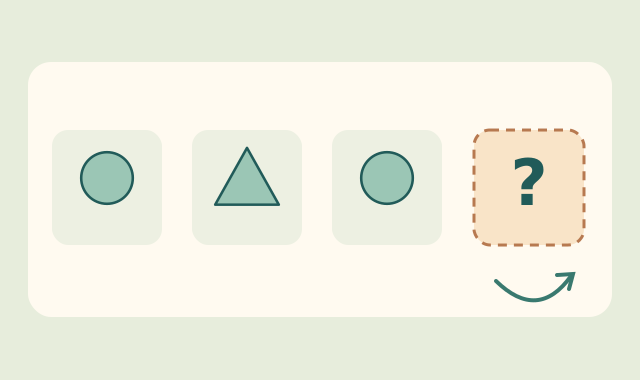 Levels 2, 4, 6, 8, 10
Momo’s Pattern Workshop
Notice repeating, growing and turning rules, then place a missing picture in the pattern.
Play free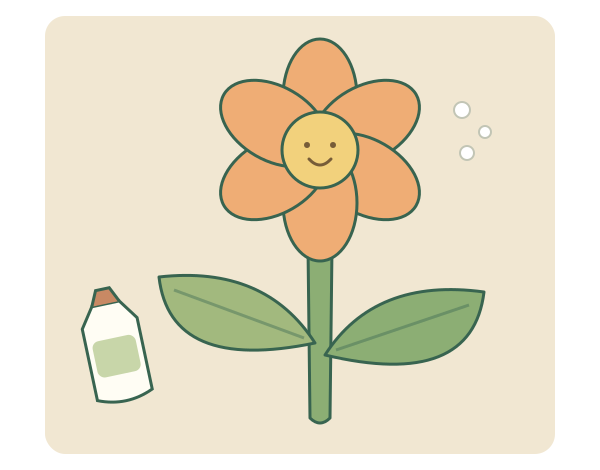 All levels
Glue & Stick
Make a paper flower while comparing glue amounts, planning layers and placing five shapes.
Play free All levels
Momo’s Solar System Explorer
Explore our Solar System through 36 fact topics, interactive models and questions chosen for your profile level.
Play free Levels 5–6
Word Builder
Turn a handful of letters into a word.
Play free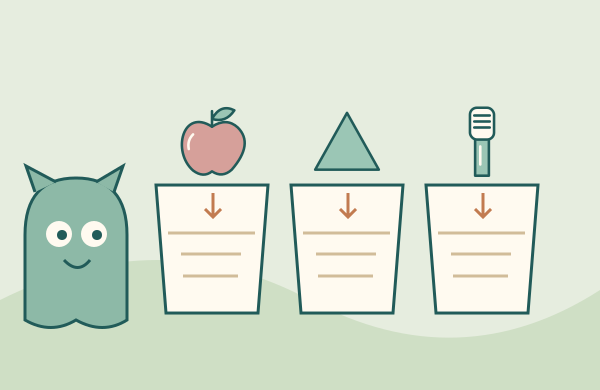 All levels
Momo’s Sorting Studio
Group shapes, everyday foods and care tools using clear properties or their named use.
Play free
Help your child get started
Begin with readiness
Age is a starting point. Choose a familiar task, watch how your child responds, and offer help when reading or finger control gets in the way.
Explore five worlds
Math Forest, Word Garden, Science Jungle, Puzzle Cove and Art Studio bring related activities together. Children choose a World rather than scrolling through every game.
Try it at home
Start with one activity together. Ask your child to show or explain one choice, then finish whenever they are ready for a break.
Try it in the classroom
Use an activity as a small-group prompt. Let children take turns making a choice and explaining what they noticed; follow with objects, drawing or conversation away from the screen.
A few useful answers
How do I find games for an age range such as 4–7?
Browse the neighbouring 3–4, 5–6 and 7–8 guides. Compare the example tasks and start with what your child can approach comfortably. Age guides do not change the Level in a child’s profile.
How do we choose a Level and start playing?
Open a game or Go to Worlds, then choose a Level using the shared profile controls if you have not chosen one yet. Levels 1–2 correspond to the age-two band, 3–4 to ages 3–4, 5–6 to ages 5–6, 7–8 to ages 7–8, and 9–10 to ages 9–10. The first Level in each pair offers a starter collection; the second offers a fuller collection. Age is guidance, and a discovery-page link does not change the profile.
Are the games free, and where is progress saved?
The activities are free to play without creating an online account. Profiles and supported activity progress stay in this browser on this device. They do not sync between devices. Private browsing, blocked storage or clearing browser data can prevent saving or remove local progress.