
For parents & educators
Logic Activities for Kids
Notice a clue, choose a plan, and try another way. These activities invite children to compare, remember and explain rather than race for an answer.
Explore the games
Little steps, useful practice
What children can practise
- Finding repeating and growing rules
- Grouping by useful properties
- Remembering positions
- Planning and revising a route
Choose something to try
Games to explore
Games open at your child’s current profile Level. Read instructions together, use Listen where offered, and take a break whenever you like.
 Levels 2, 4, 6, 8, 10
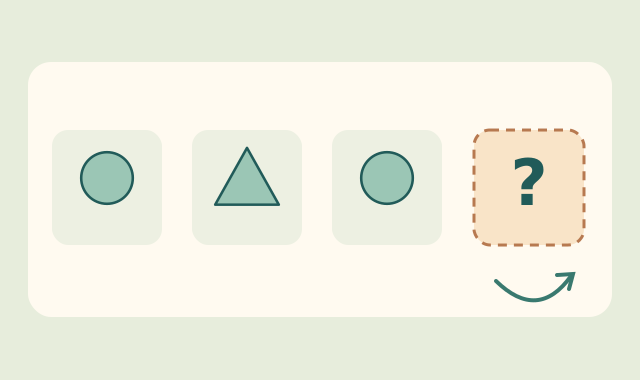
Momo’s Pattern Workshop
Notice repeating, growing and turning rules, then place a missing picture in the pattern.
Play free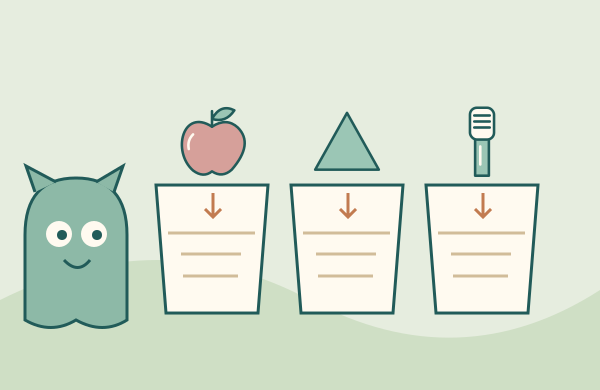 All levels
Momo’s Sorting Studio
Group shapes, everyday foods and care tools using clear properties or their named use.
Play free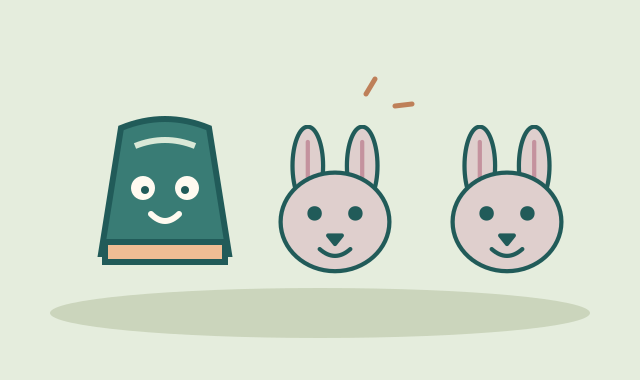 All levels
Momo’s Matching Cups
Remember hiding places and match pairs of animals, shapes, or patterned colours.
Play free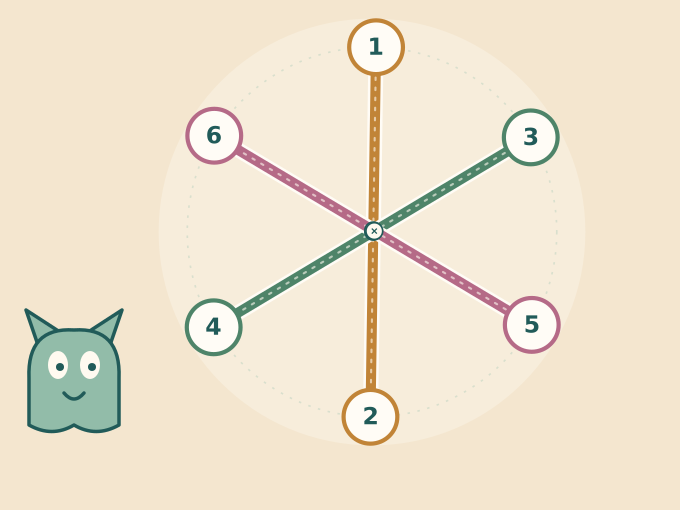 Levels 2, 4, 6, 8, 10
Momo’s Rope Unravel Garden
Reason about spatial crossings and plan endpoint swaps to give every rope a clear path.
Play free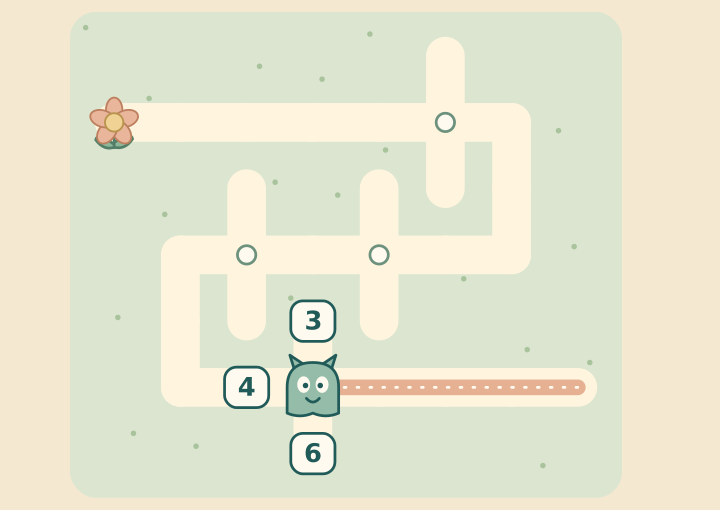 Levels 2, 4, 6, 8, 10
Momo’s Number & Letter Mazes
Connect quantities, equations and sound-spellings with directions to navigate branching garden paths.
Play free Levels 5–6
Memory Meadow
Find the meadow’s matching pairs.
Play free Levels 9–10
Pathfinder
Find a path through a little garden maze.
Play free Levels 3–4
Pattern Parade
Spot what comes next in a pattern.
Play free
Help your child get started
Begin with one visible rule
For younger children, compare two shapes or find the next item in a simple repeat. Say the rule aloud before adding another property or step.
Ask about the plan
For a more involved puzzle, ask which clue your child will use first. A hint, Undo or another attempt can help them test an idea without having to begin everything again.
Try it at home
Sort a few household objects in two different ways, such as by shape and by use. Discuss why an item can belong to a different group when the rule changes.
Try it in the classroom
Let children compare two approaches to the same pattern or route. Ask them to show the clue that supports each choice.
A few useful answers
How are logic activities different from preschool puzzles?
This collection emphasises rules, memory and planning across the supported Levels. The preschool puzzle guide begins with simpler visual matching, comparing and sorting tasks with adult support.
How do we choose a Level and start playing?
Open a game or Go to Worlds, then choose a Level using the shared profile controls if you have not chosen one yet. Levels 1–2 correspond to the age-two band, 3–4 to ages 3–4, 5–6 to ages 5–6, 7–8 to ages 7–8, and 9–10 to ages 9–10. The first Level in each pair offers a starter collection; the second offers a fuller collection. Age is guidance, and a discovery-page link does not change the profile.
Are the games free, and where is progress saved?
The activities are free to play without creating an online account. Profiles and supported activity progress stay in this browser on this device. They do not sync between devices. Private browsing, blocked storage or clearing browser data can prevent saving or remove local progress.